
MODULE WF
Workload Forecasting
Visualization & Analysis Module (WF)
Forecasts workload from inbound and outbound volumes, past results, and external factors.
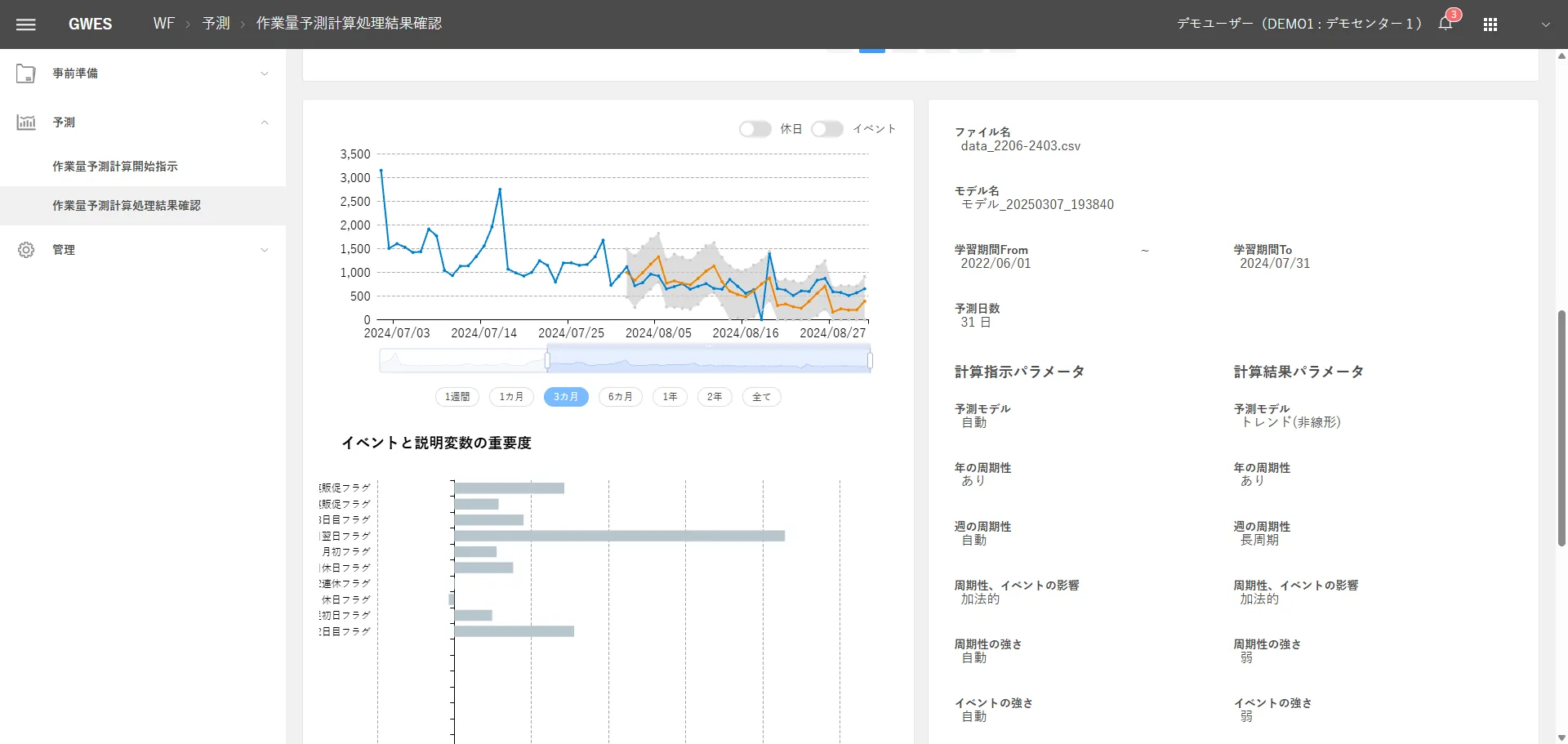
Tap the image to open its description
01About
Overview
From forecasts that rely on individual intuition to highly accurate AI workload forecasts.

WF forecasts future workload with high accuracy from past work results (training data), calendar information (events), and reference information (explanatory variables), and optimizes staffing and delivery plans.
Three Challenges WF Solves
Person-dependent workload forecasts
Forecasts depend on the intuition and experience of veteran staff. When those staff transfer or leave, accuracy drops sharply, and overstaffing and understaffing become frequent.
Inefficient labor costs
Missed forecasts raise overtime pay, add the cost of last-minute temporary staff, or waste labor costs on surplus staff.
Slow response to volume swings
With volume swings from sales, seasonal changes, and day-of-week patterns, the accurate workload is not known until the day before or the day itself, so staff cannot be assigned properly.
02Workflow
Operational Flow
- 1
Data comes in
Past work results and calendar dataPast work results and calendar data
- 2
Seen on screen
Forecast workload and event/seasonal effectsForecasts and event/seasonal effects
- 3
Spot issues
Volume swings from sales and seasonsVolume swings from sales and seasons
- 4
Take action
Forecasts feed staff and delivery plansForecasts feed staff and delivery plans
- 5
Results change
Less overstaffing and understaffingLess overstaffing and understaffing
The WF forecasting process has four phases: data accumulation → model building → forecast calculation → forecast vs. actual review.
Phase 1
Data Accumulation
- Automatically pulls work results from the WMS
Phase 2
Model Building
- Builds time series models with the Prophet algorithm
Phase 3
Forecast Calculation
- Forecasts future workload with the selected model
Phase 4
Forecast vs. Actual Review
- Automatically compares forecasts with actual results
The phases link automatically, forming a cycle that keeps improving forecast accuracy.
03Features
Key Features
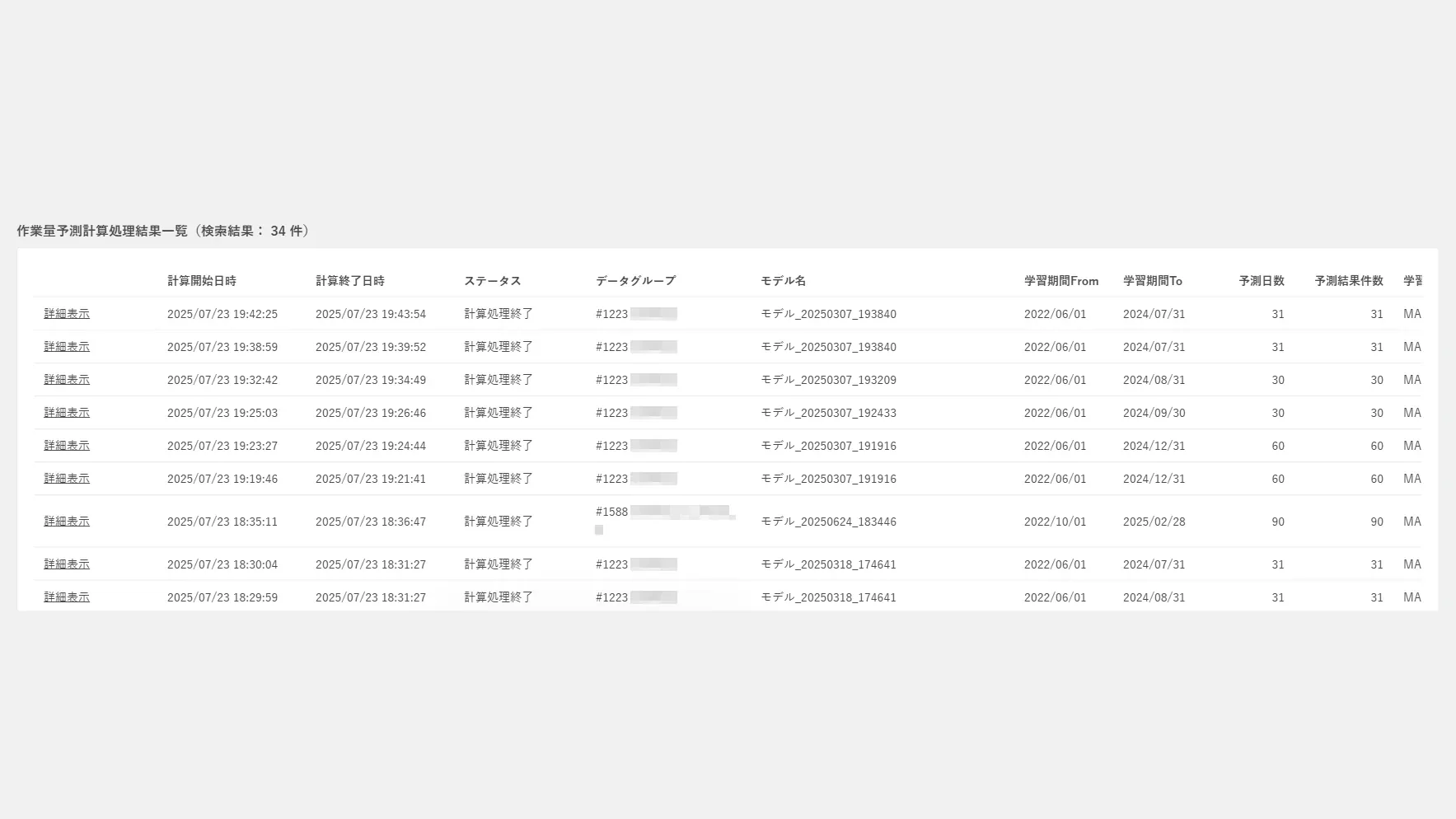
Workload Forecast Calculation Results Forecasting Engine: Prophet
WF's forecasting engine uses Prophet, an open-source time series forecasting algorithm developed by Meta (formerly Facebook). It forecasts time series data with an additive model, separating and extracting trend, seasonality, and event effects to deliver highly accurate forecasts.
Automatic Tuning Across 24 Patterns
WF builds a model for each of the 24 patterns produced by combining four tuning parameters, and automatically adopts the parameter set with the highest forecast accuracy. No manual trial and error is needed.
Same-Day Adjustment
WF continuously feeds the day's order status into the system and adjusts forecasts in real time.
Tap the image to open its description
Time Series Decomposition with Prophet
Prophet breaks time series data into the four components below and models each one independently, capturing complex volume patterns with high accuracy.
Trend
Medium- to long-term increases and decreases. Captures underlying shifts in volume from business growth and market changes.
Yearly Seasonality
Seasonal patterns over a one-year cycle. Regular yearly volume changes such as the year-end and New Year holidays, the summer and year-end gift seasons, and fiscal year-ends.
Weekly Seasonality
Patterns that repeat by day of the week. Automatically learns weekday traits, such as high volume on Mondays and low volume on Wednesdays.
Event Effects
Estimates the impact of each special event, such as sales, holidays, and campaigns, on volume.
04Modules
Other GWES Modules
Visualization & Analysis
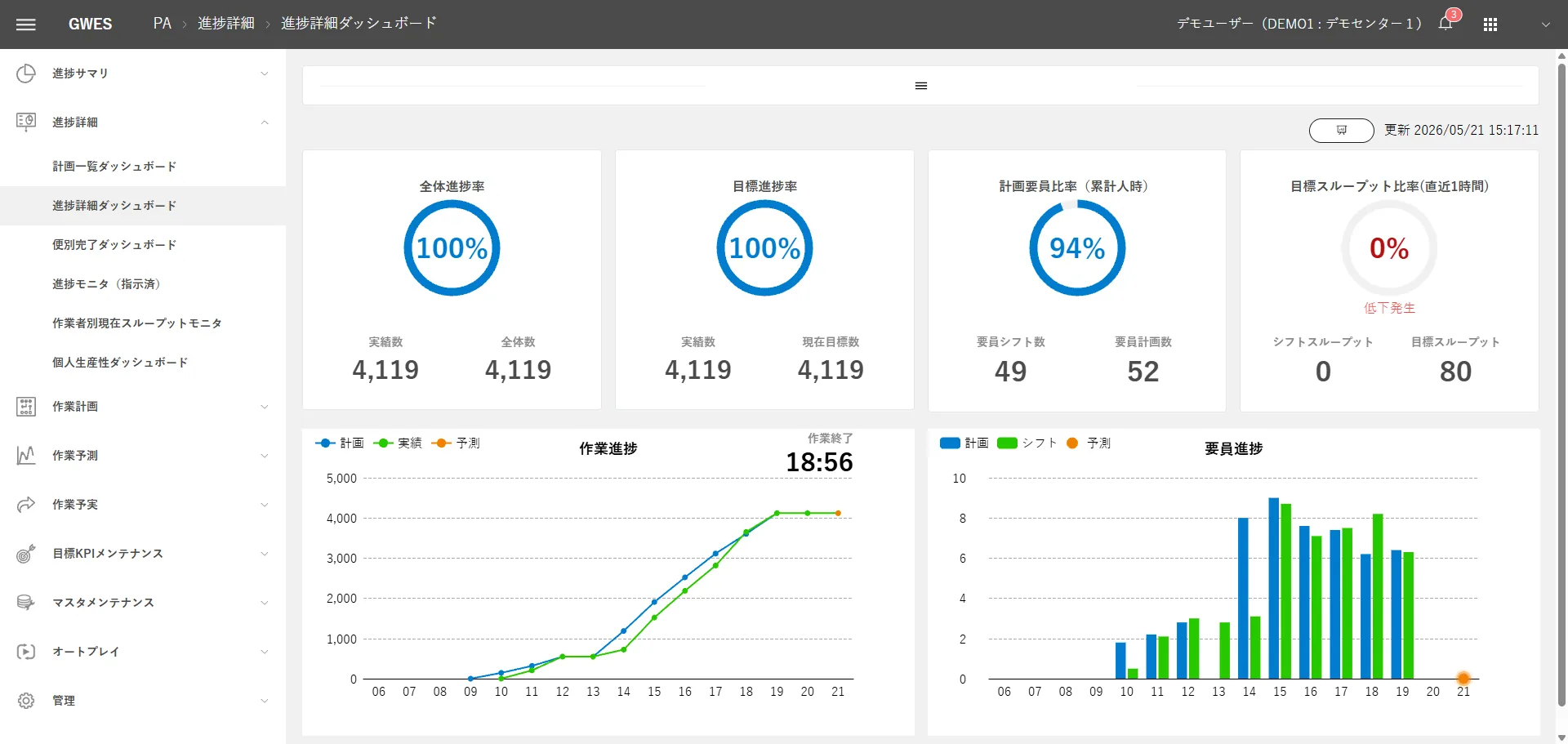

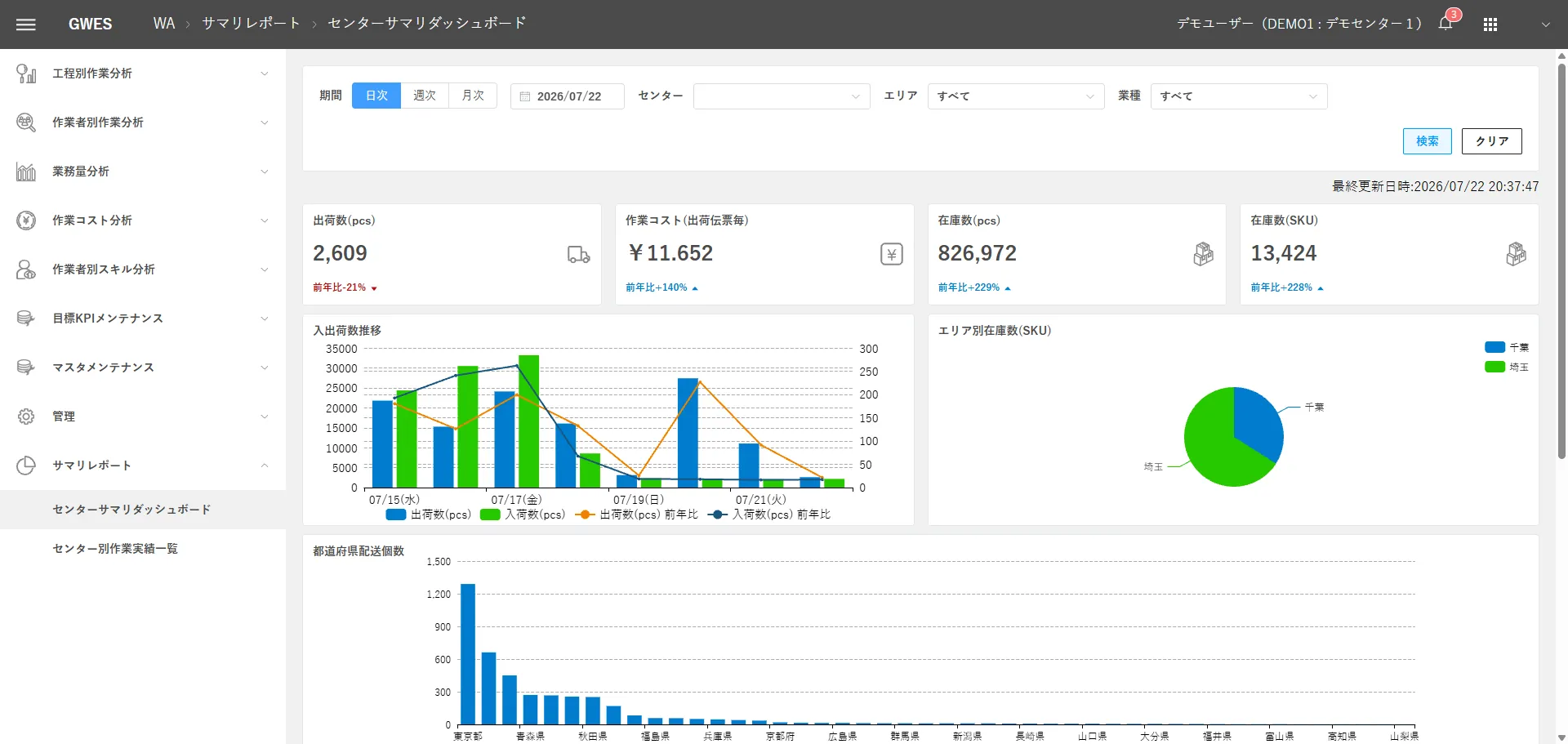


Optimization




Infrastructure



FIRST STEP
See where you stand with a free GPIM assessment
We clarify which level your logistics facility is at now and what to do next.