MODULES
Three Layers, Twelve Modules
Choose modules in order, starting with the ones you need.
01Architecture
Overview
GWES consists of 12 modules across 3 layers: infrastructure, visualization (Lv.2), and optimization (Lv.4).
Each module performs its main function at a particular level and is designed to work with others across levels.
In particular, WF (Workload Forecasting) plays a different role at each level from Lv.2 to Lv.5, and RA (Resource Allocator) becomes the agent that autonomously executes at Lv.5 the decision logic defined at Lv.4.
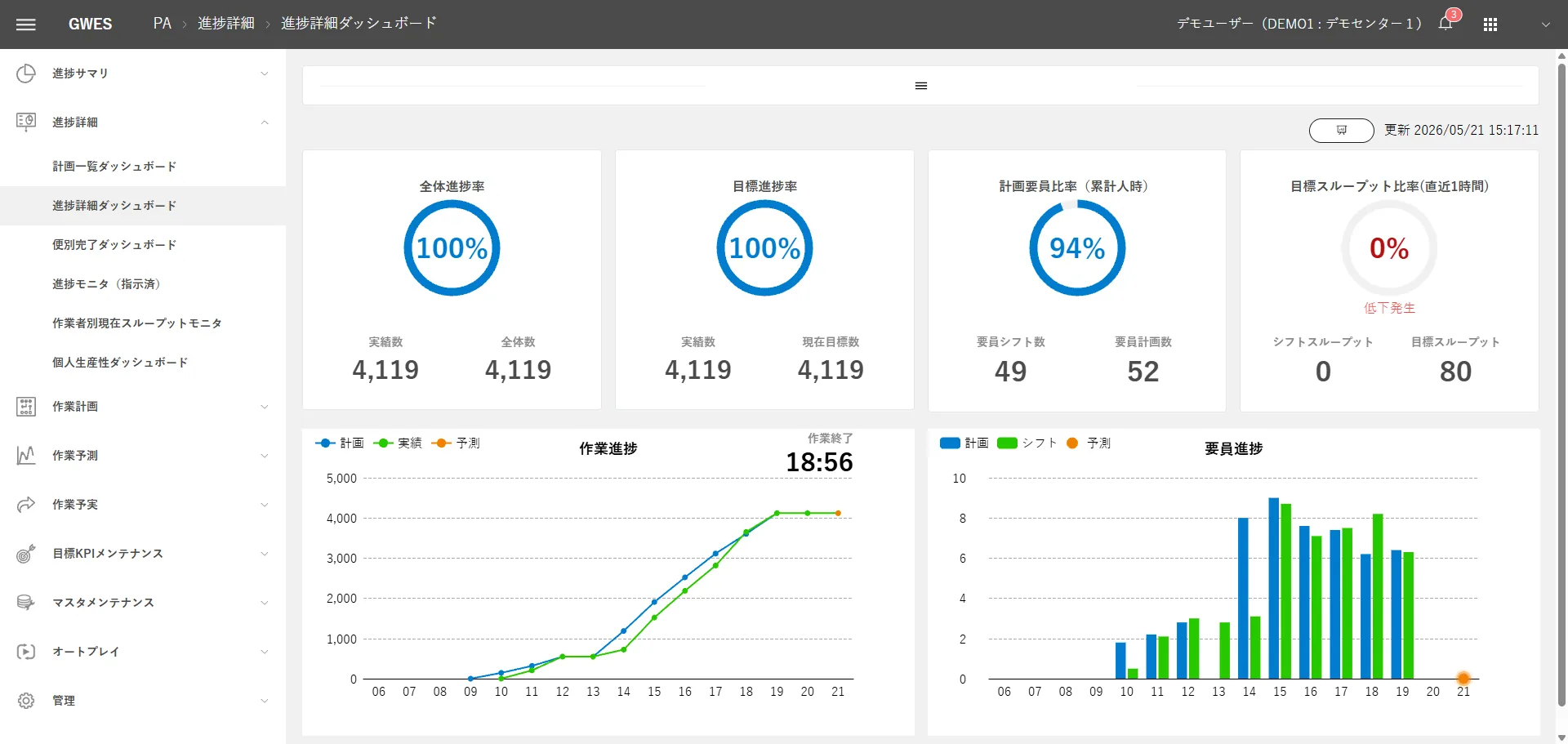
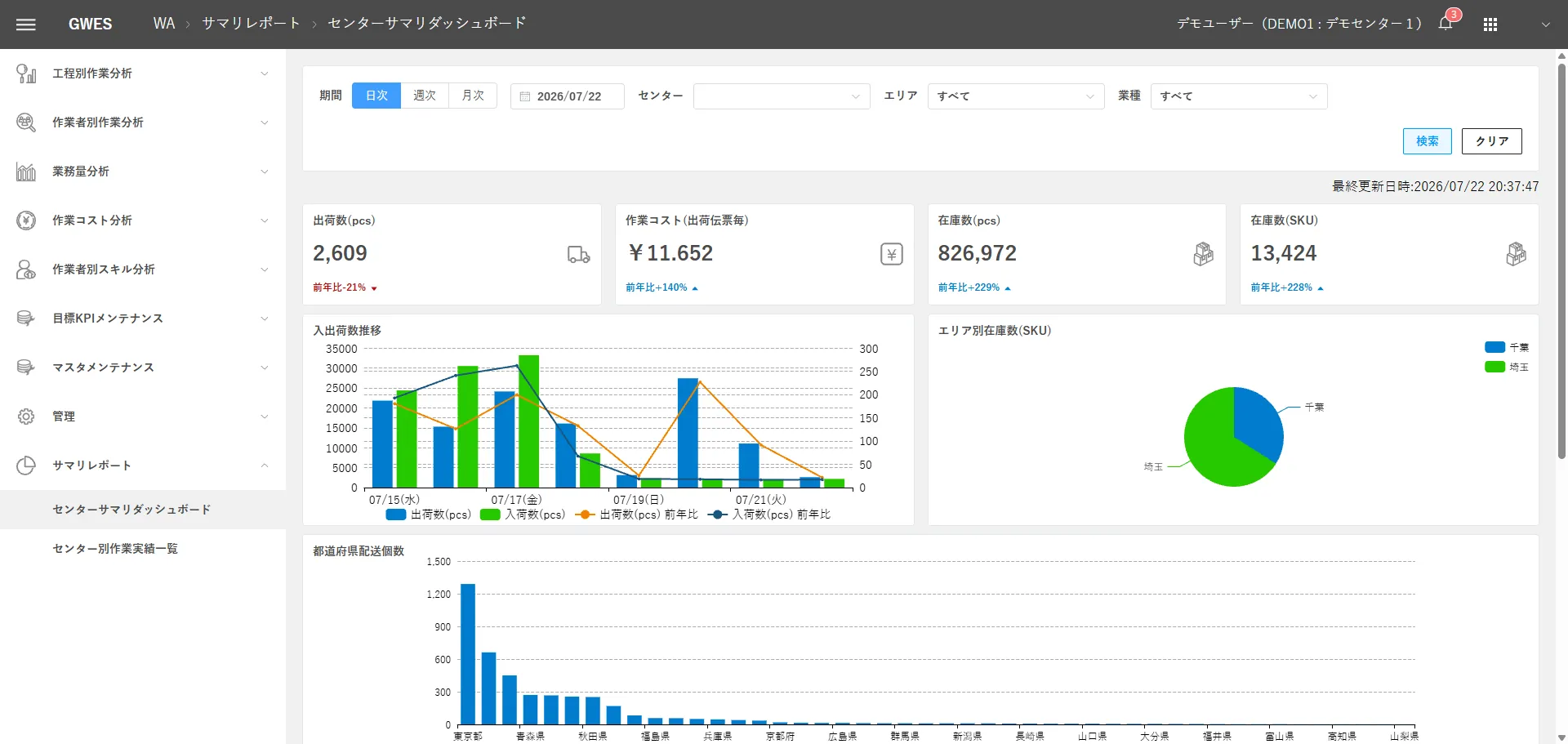
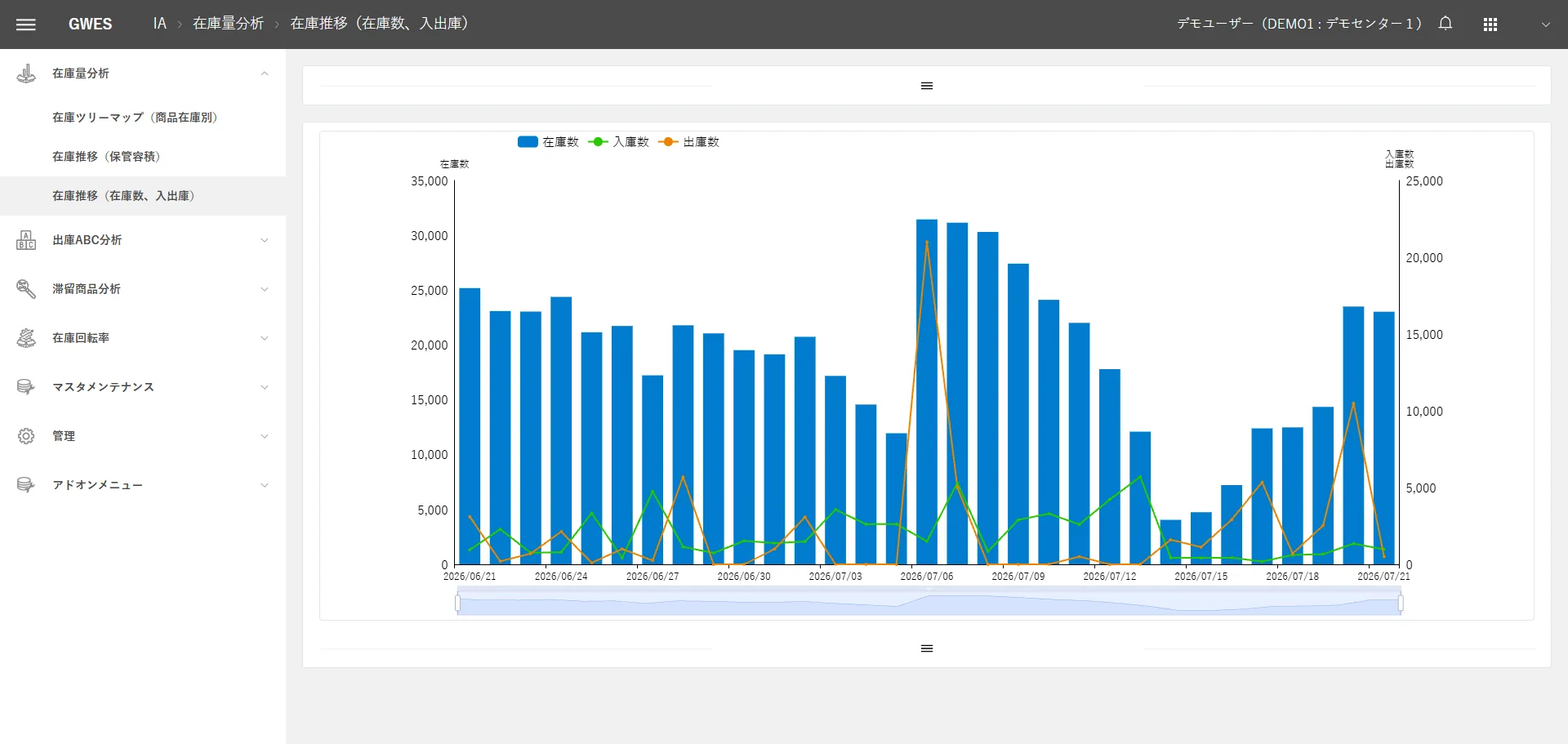
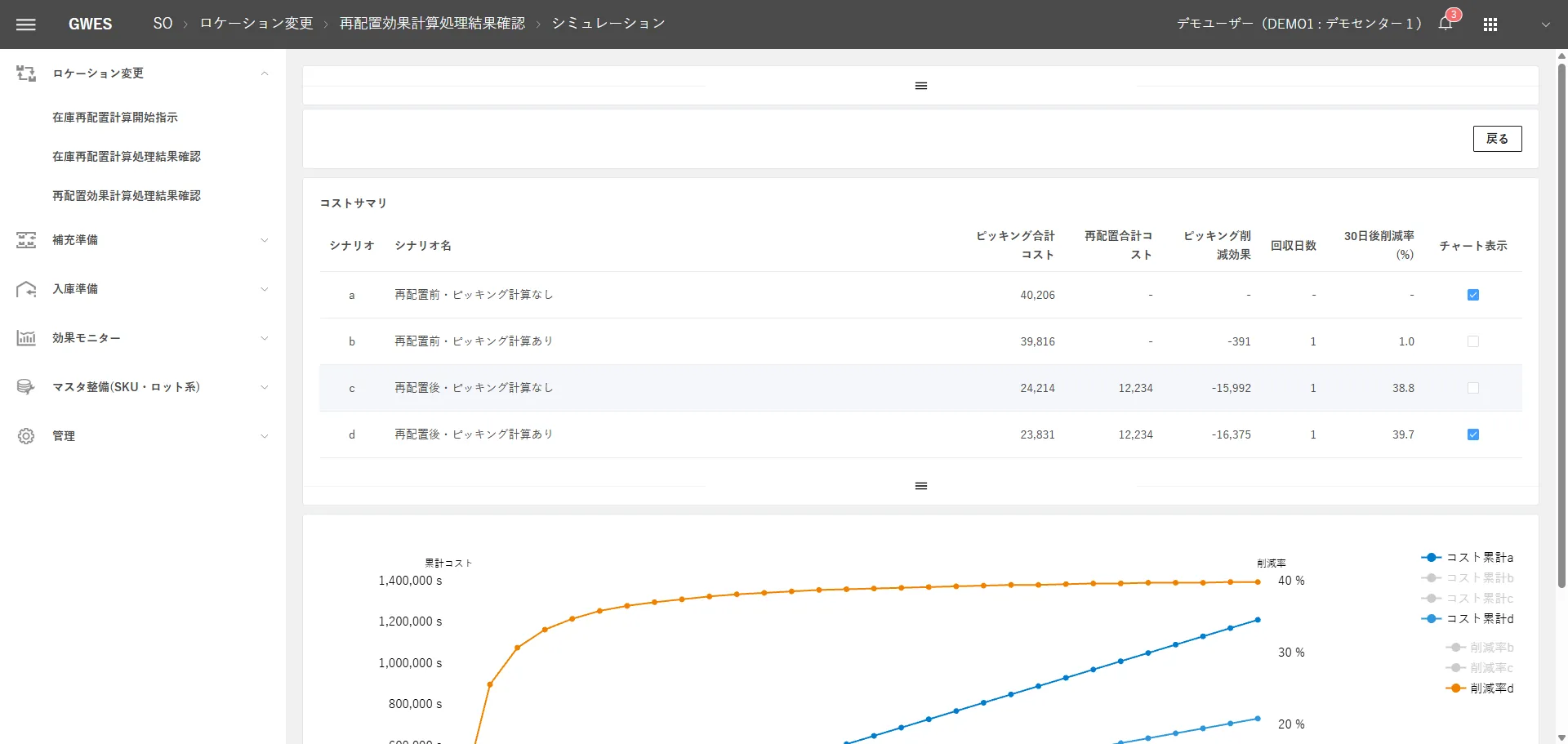
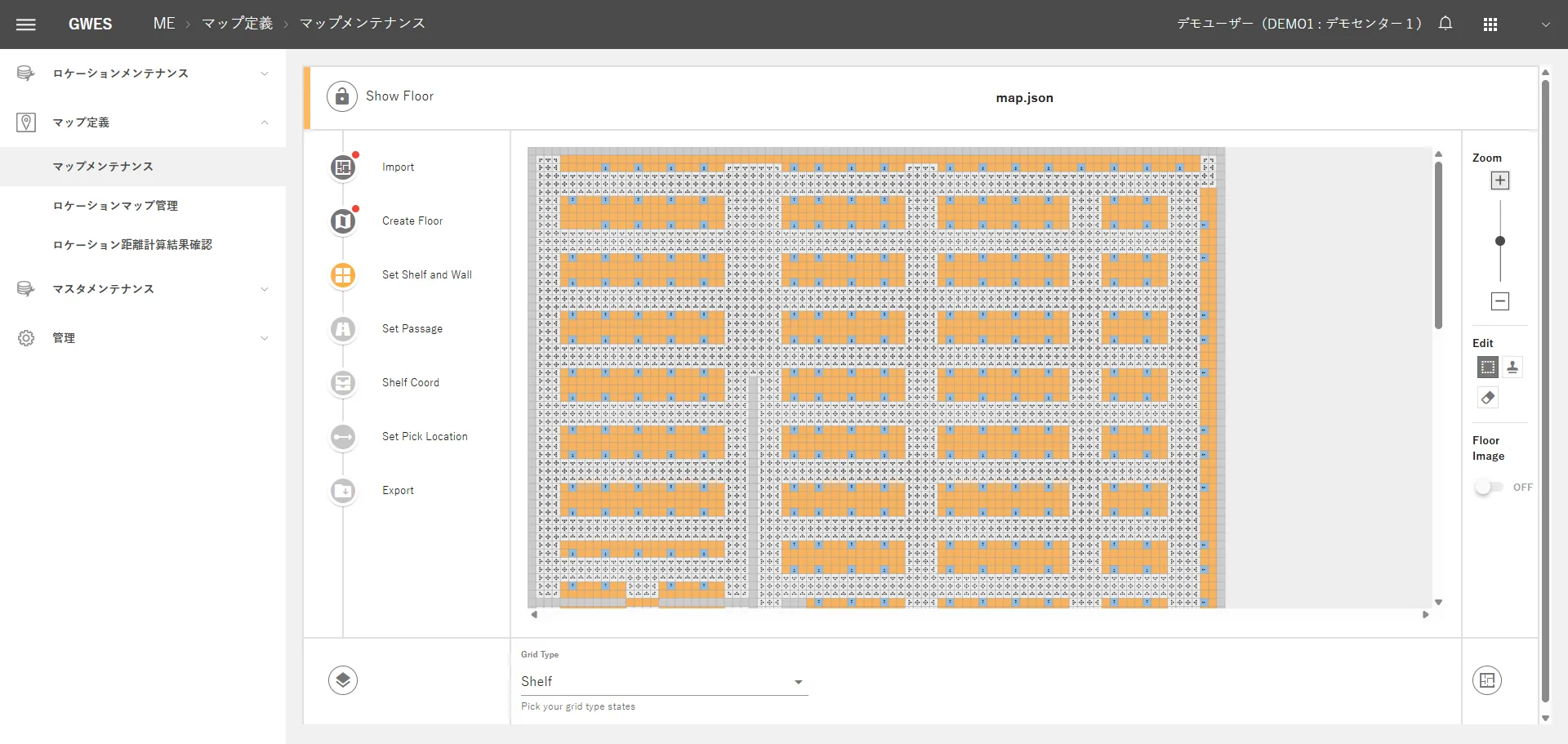
Screens of the 12 modules
Visualization & Analysis
Optimization
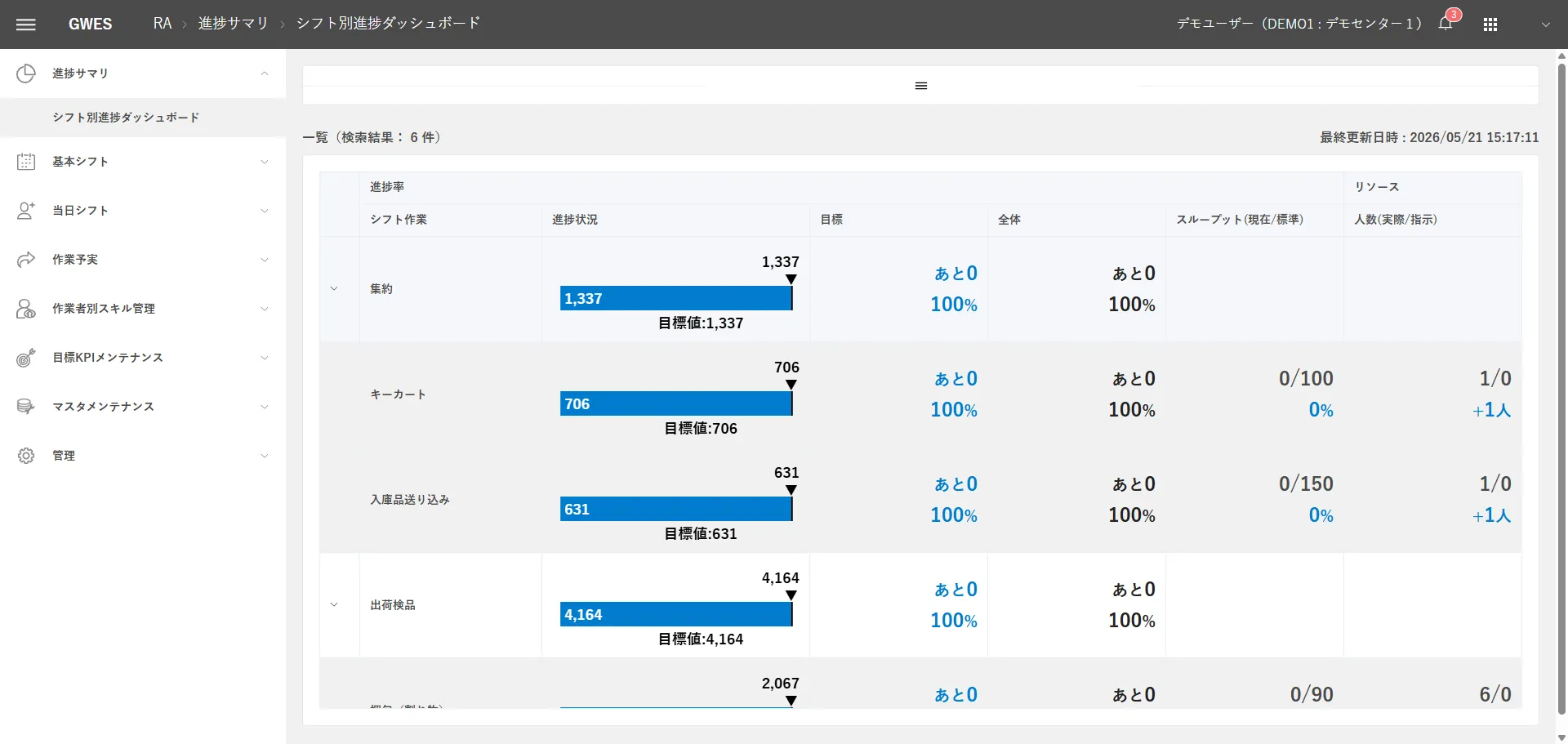
Infrastructure


In about 10 minutes, work out which module to start with.
The order in which to consider modules depends on your issues and operating level. Check your current state with the GPIM Assessment to see the implementation order closest to your own.
02LEVEL 2 VISUALIZATION
Visualization & Analysis Layer
Lv.2 Visualize
Modules that deliver their main functions at Lv.2 (Visualize). WF in particular plays a core role spanning Lv.2, Lv.4, and Lv.5.
-
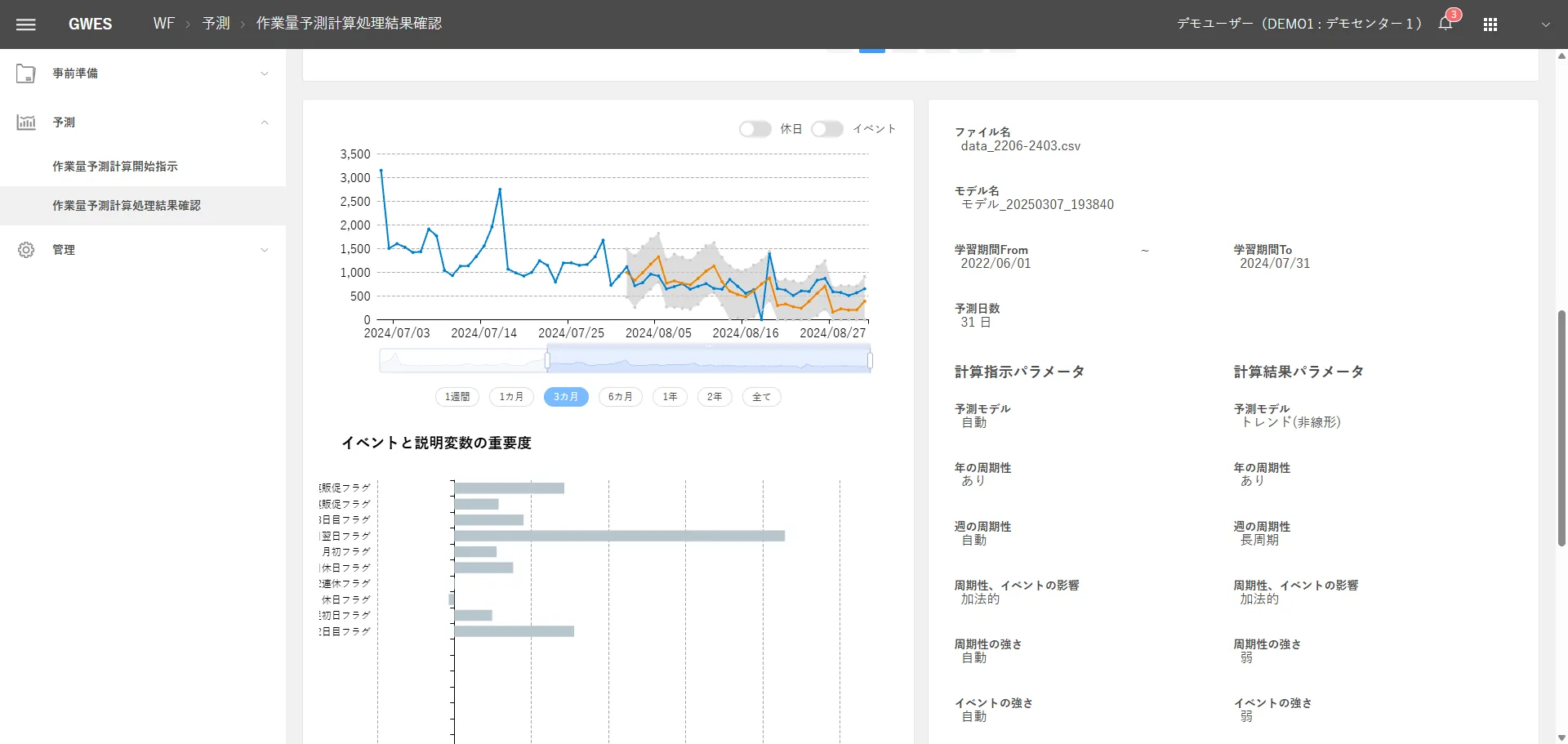

Workload Forecasting
Workload Forecasting
Forecasts workload from inbound and outbound volumes, past results, and external factors.
Key functions
- Forecasting engine: Prophet
- Automatic tuning across 24 patterns
- Same-day adjustment
Lv.2, 4, 5See details -
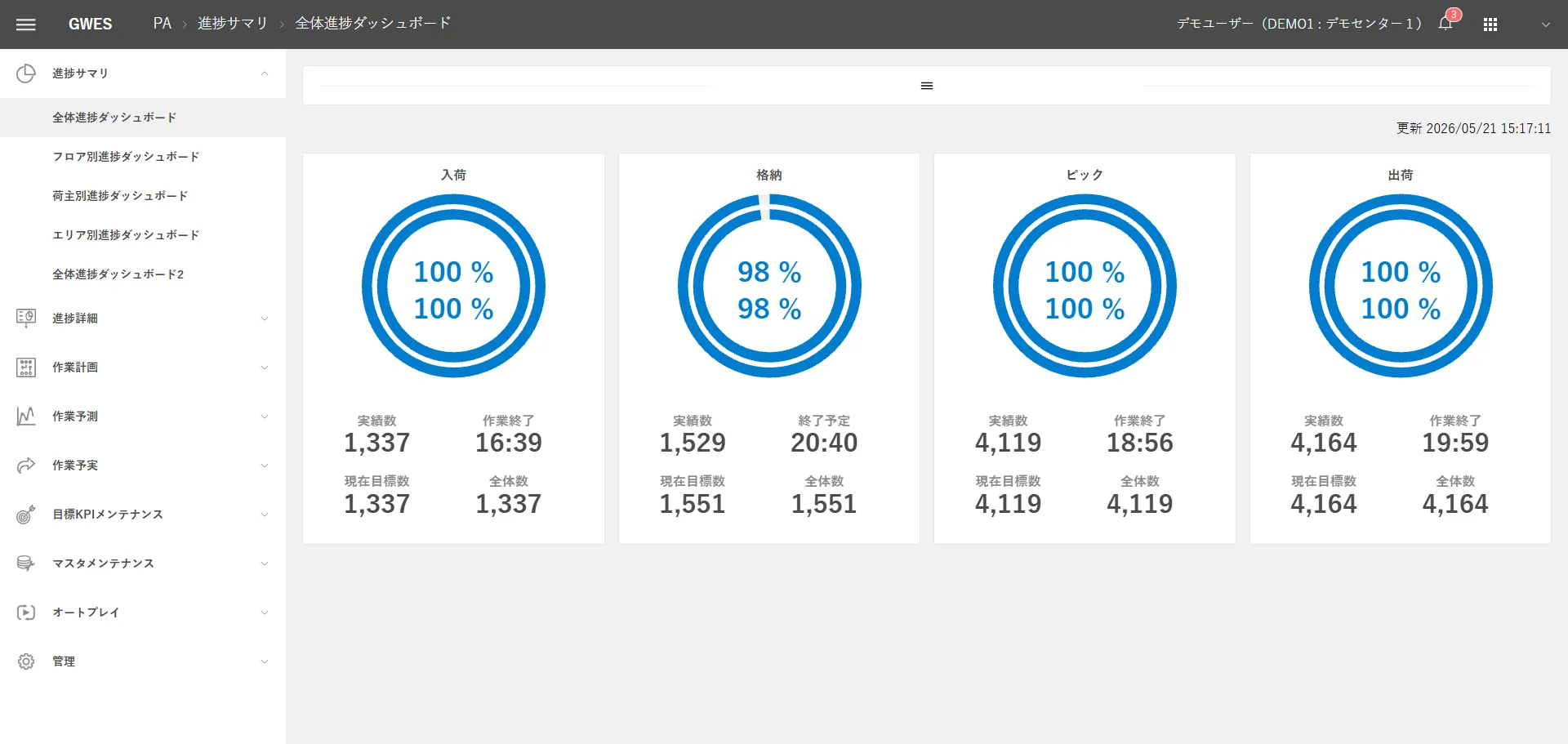

Progress Analyzer
Progress Analyzer
Shows progress against plan in real time. Consists of 6 categories and 31 screens.
Key functions
- Progress summary
- Progress details
- Work plans
Lv.2See details -
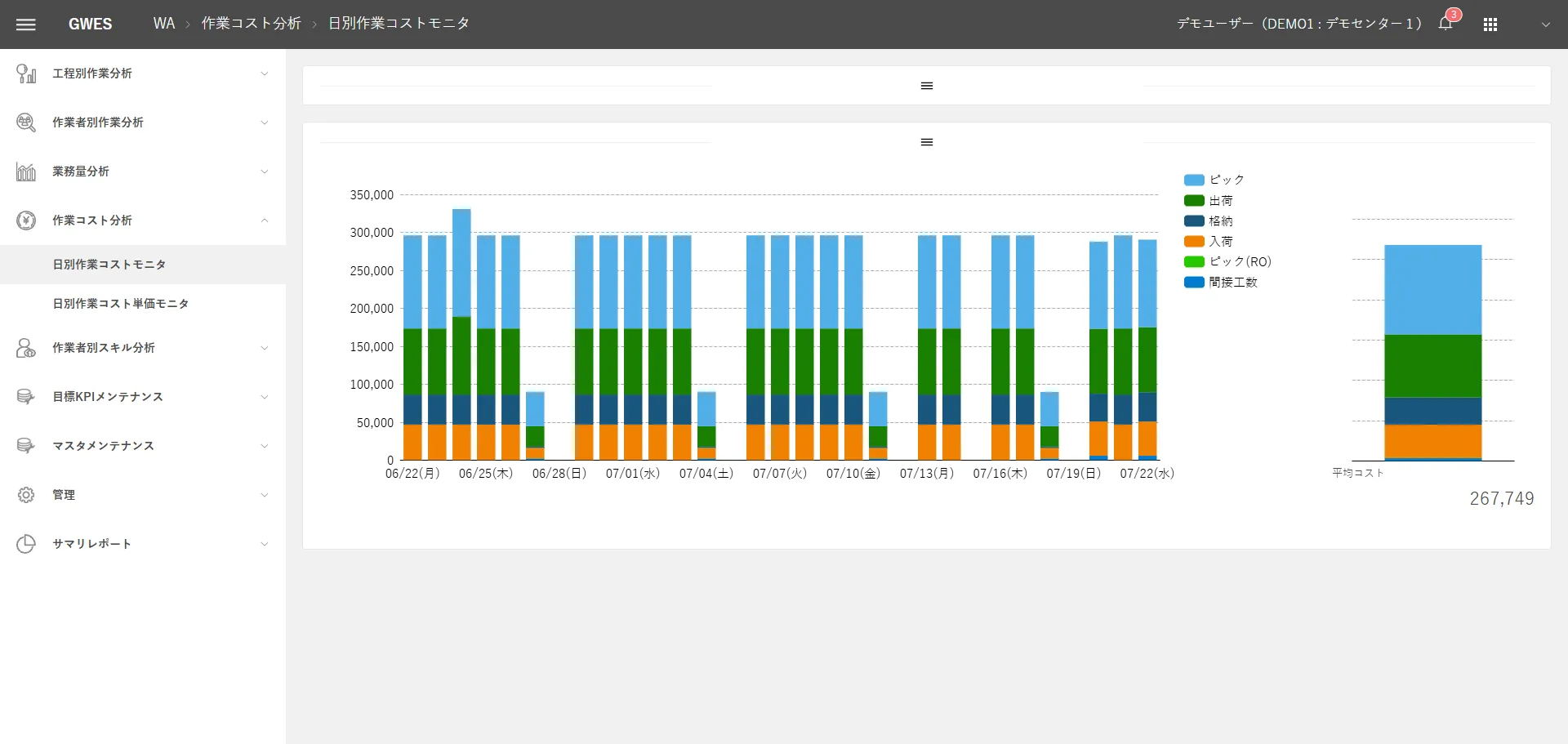

Workload Analyzer
Workload Analyzer
Shows productivity and cost trends from results by process and site.
Key functions
- Work analysis by process
- Work analysis by worker
- Workload analysis
Lv.2See details -
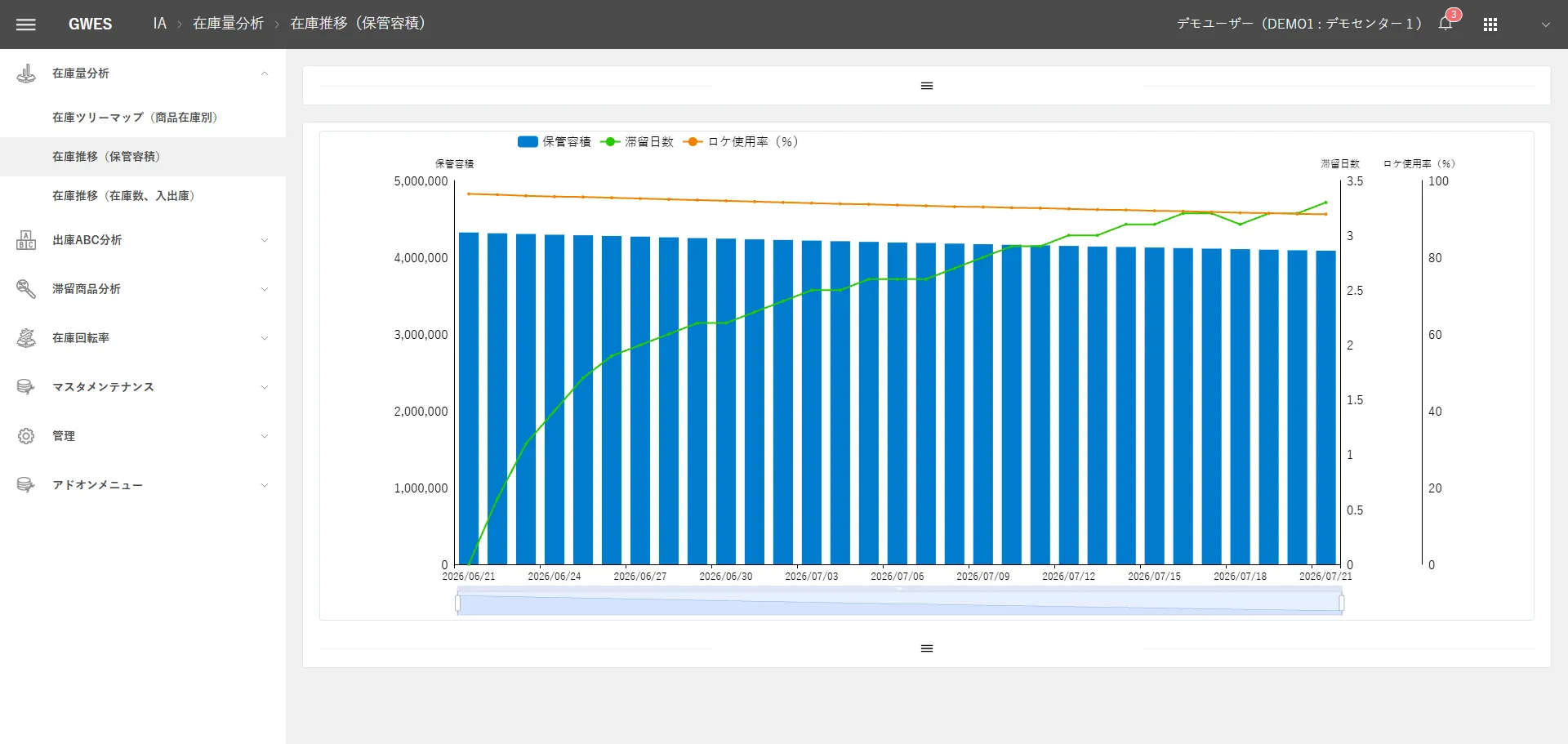

Inventory Analyzer
Inventory Analyzer
Shows inventory dwell, turnover, and placement efficiency.
Key functions
- Inventory volume analysis
- Outbound ABC analysis
- Slow-moving item analysis
Lv.2See details
03LEVEL 4 OPTIMIZATION
Optimization Layer
Lv.4 Optimize
Lv.4 defines the ideal decision logic, and at Lv.5 the system executes that logic autonomously. The step from Lv.4 to Lv.5 is a shift from “people choosing the best solution” to “the system executing the best solution automatically.”
-
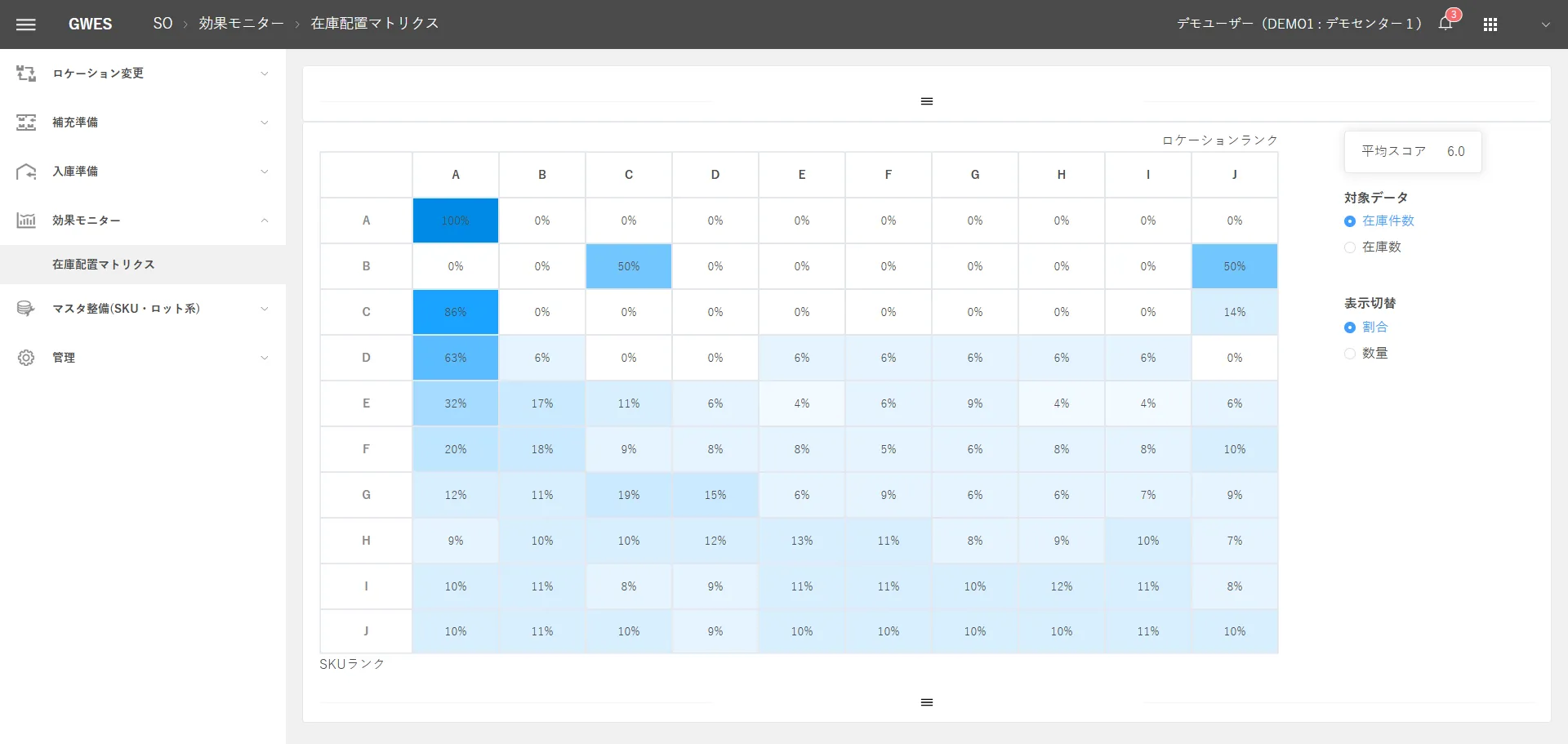

Slotting Optimizer
Slotting Optimizer
Finds the best storage locations and zones from shipping frequency and travel paths.
Key functions
- Location changes
- Replenishment preparation
- Putaway preparation
Lv.4, 5See details -
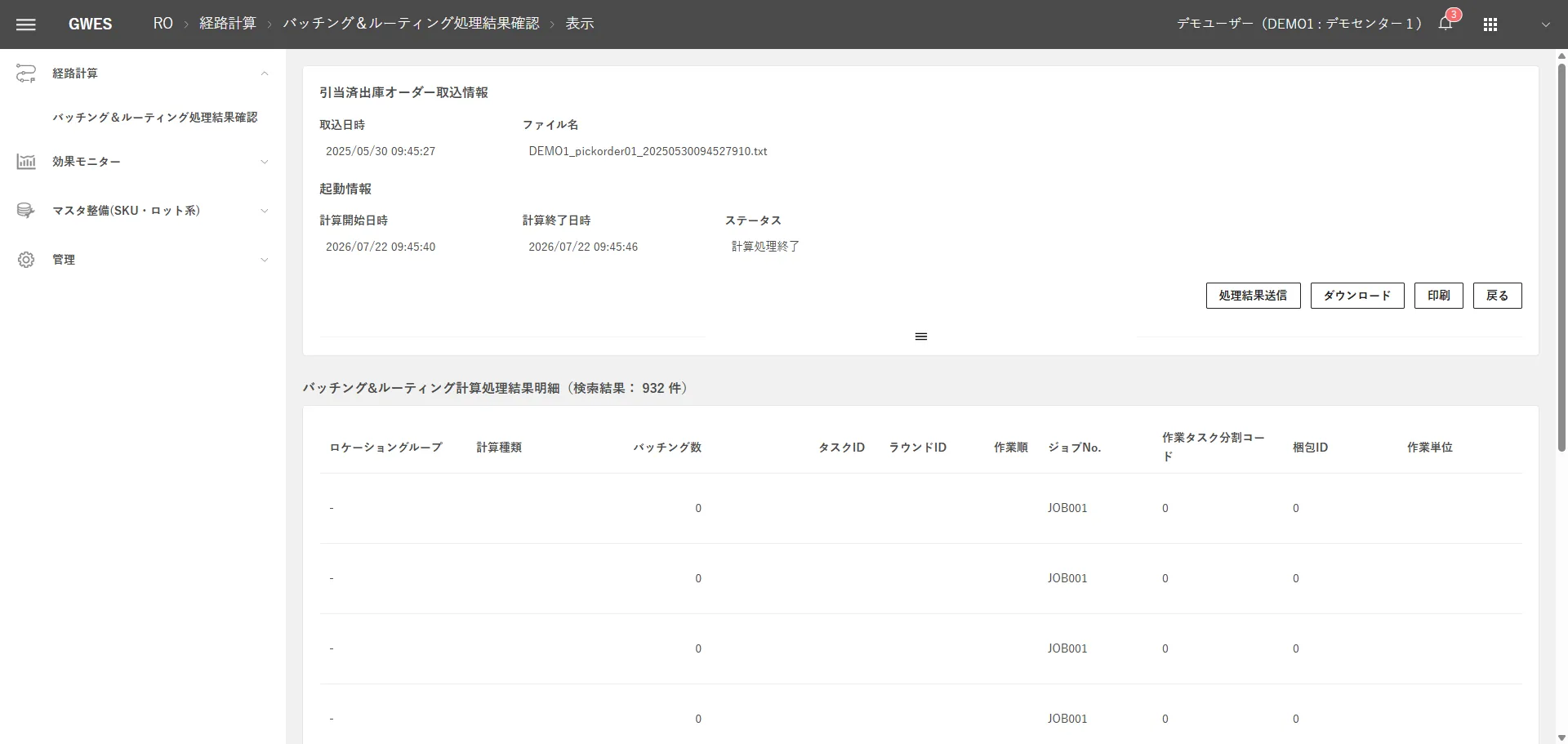

Routing Optimizer
Routing Optimizer
Arranges picking paths and task sequences into the shortest route.
Key functions
- Batching
- Routing
- RO impact monitor
Lv.4, 5See details -


Loading Optimizer
Loading Optimizer
Finds the best loading pattern from package shapes and delivery sequence.
Key functions
- Load planning
- Packing simulation
- Shipment results monitor
Lv.4, 5See details -


Delivery Optimizer
Delivery Optimizer
Chooses when to ship and which service to use, based on delivery deadlines, cost, and priority.
Key functions
- Transport mode optimization
- Chartered truck optimization
- Order combination calculation
Lv.4, 5See details -
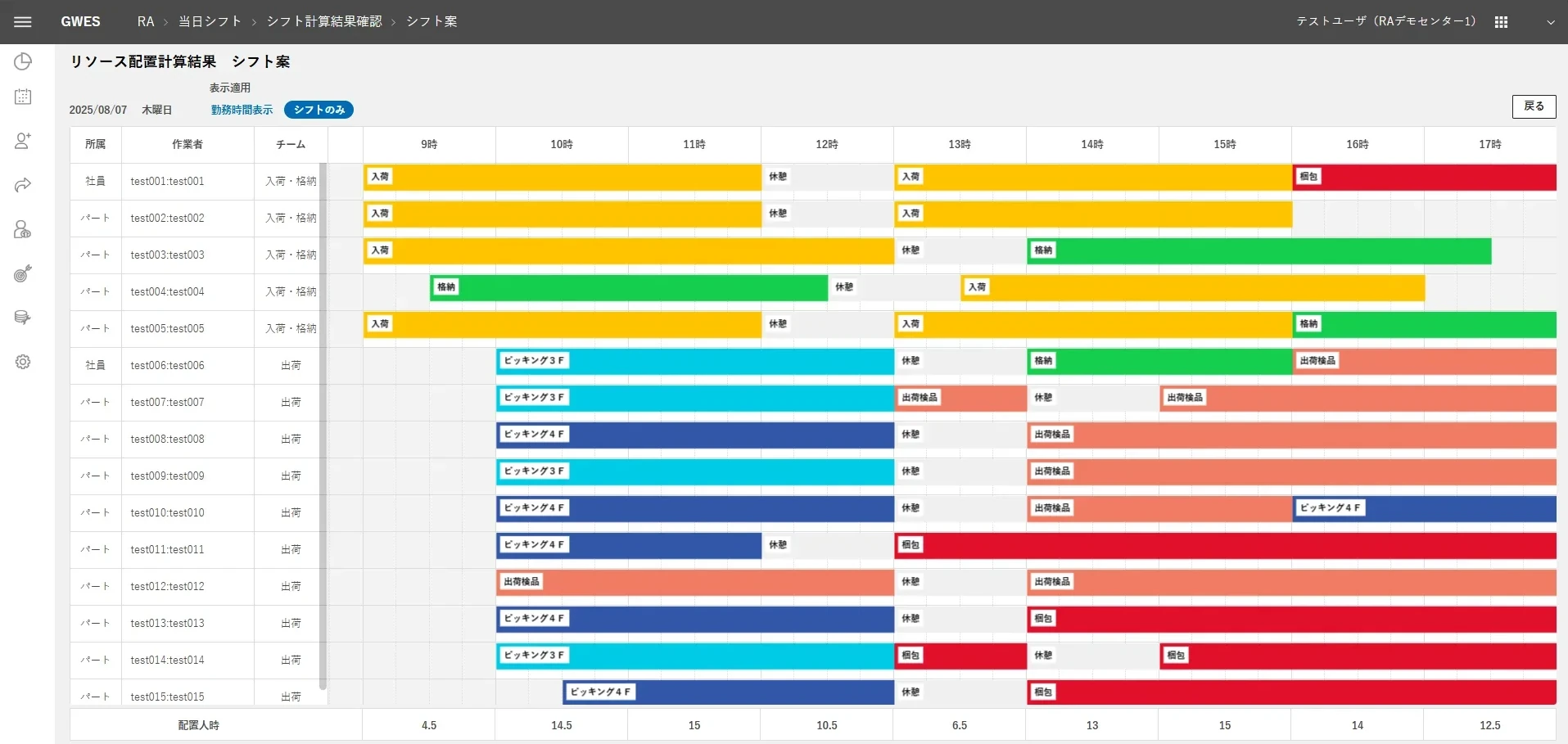

Resource Allocator
Resource Allocator
Decides how to allocate people, equipment, and space from forecasts and progress.
Key functions
- Resource optimization
- Staff allocation
- Shift task master maintenance
Lv.4, 5See details
04INFRASTRUCTURE
Infrastructure Layer
Common to all levels
The data collection, integration, conversion, and processing foundation that every GWES module uses. It works in common across all levels.
-
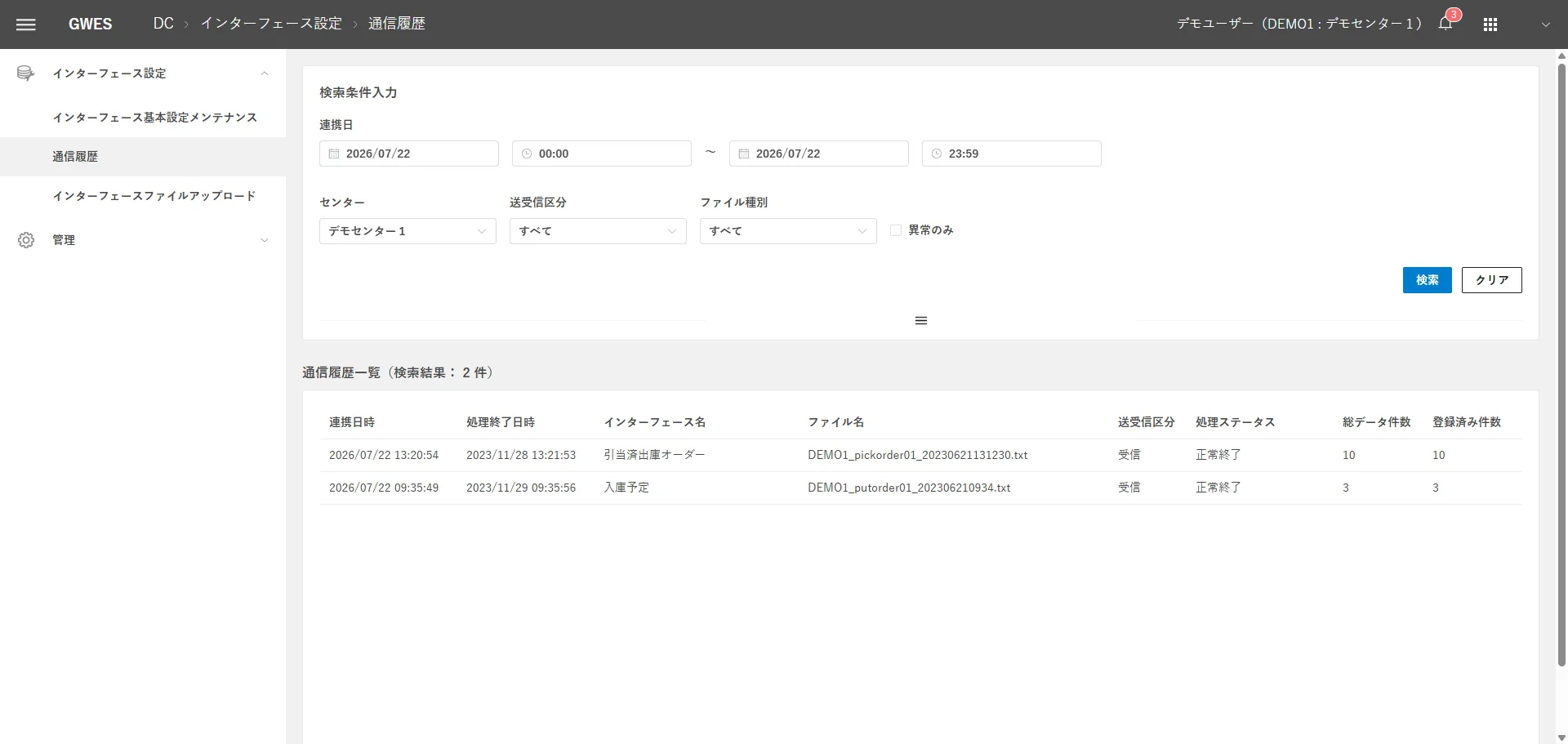

Data Connector
Data Connector
Collects data from equipment, WMS, and ERP and standardizes its format. It is the core of the GWES data pipeline.
Key functions
- Data collection and normalization
- Pipeline management
All levelsSee details -
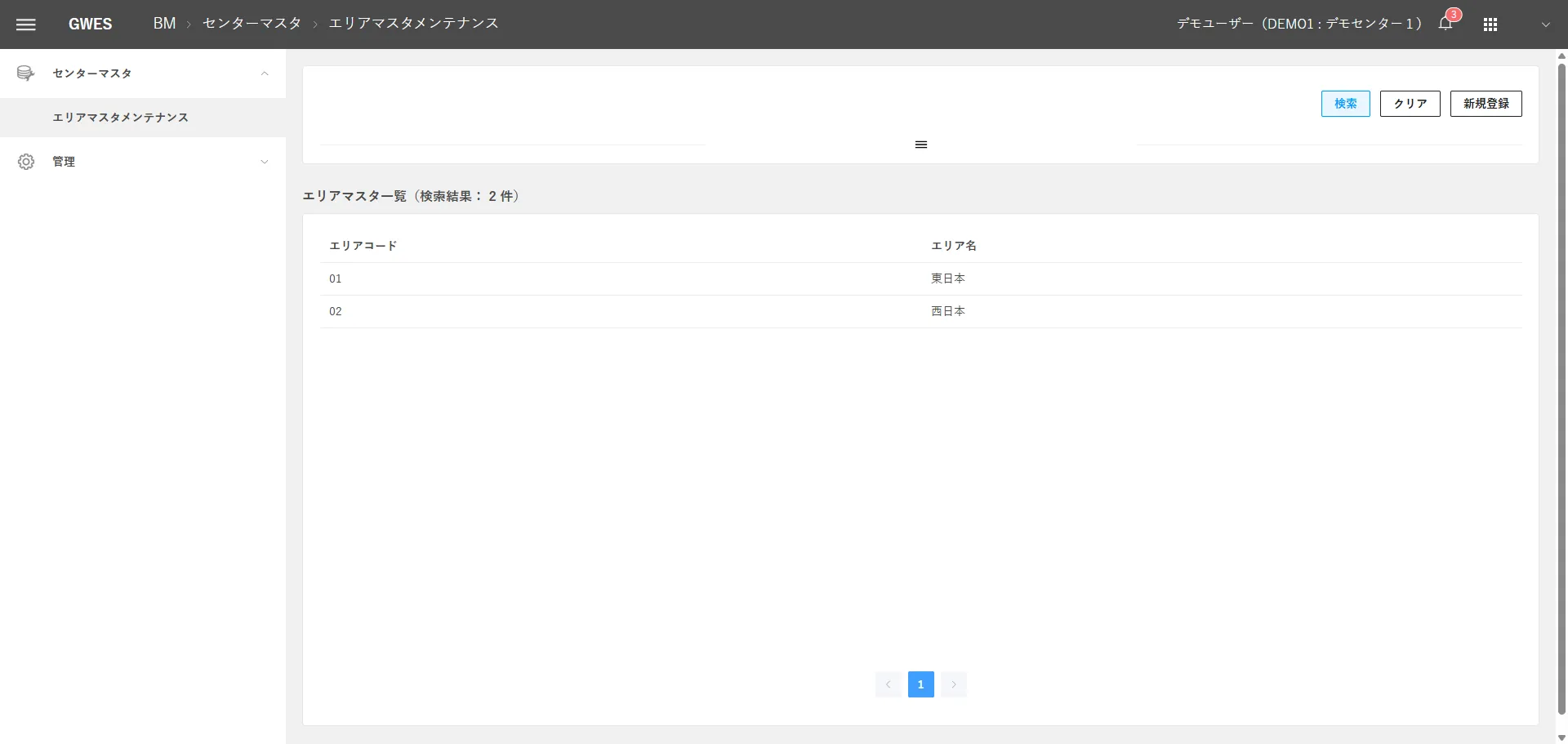

Base Module
Base Module
Converts data into common masters and formats so you can compare across sites.
Key functions
- Master data management
- Data sharing foundation
All levelsSee details -
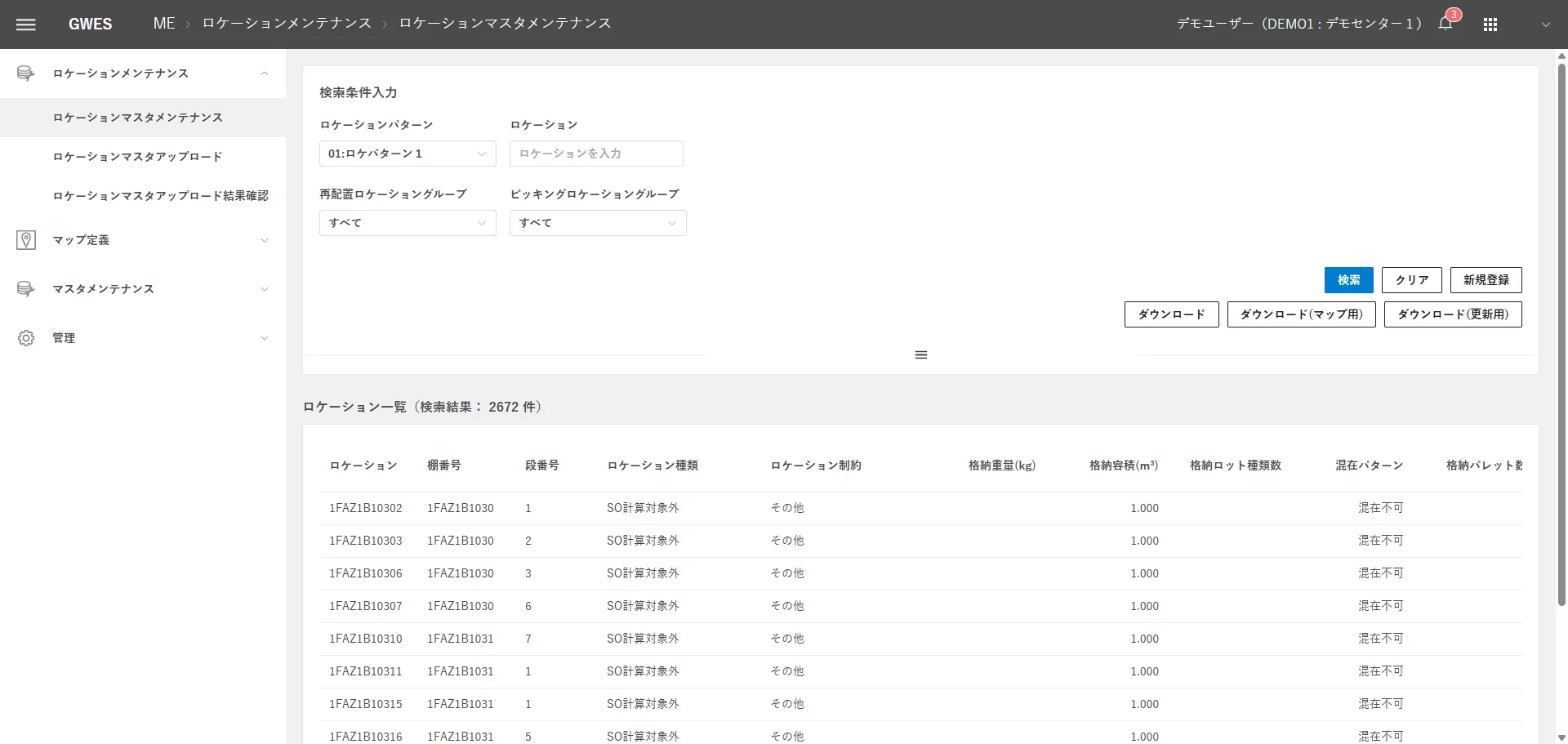

Map Editor
Map Editor
Maintains warehouse layouts, shelves, and travel paths.
Key functions
- Location master maintenance
- Map maintenance
All levelsSee details
05BY ISSUE
GROUND's solutions by issue
For the main issues logistics facilities face, we define the best combination patterns of GWES modules.
- Work progress is not visible in real time
- Staffing cannot keep up with workload swings
- Short on staff and dependent on veterans
- Inventory placement and travel paths waste effort
- WMS, equipment, and core systems are not connected
- Data for improvement is not being accumulated
- Practices vary by site and cannot scale
- Not sure where to start
FIRST STEP
See where you stand with a free GPIM assessment
We clarify which level your logistics facility is at now and what to do next.